
Printer setup and manager
Busy Bee Printer Master
Every printer, set up and managed from one place.
Pricing coming soonFree support included
What it does
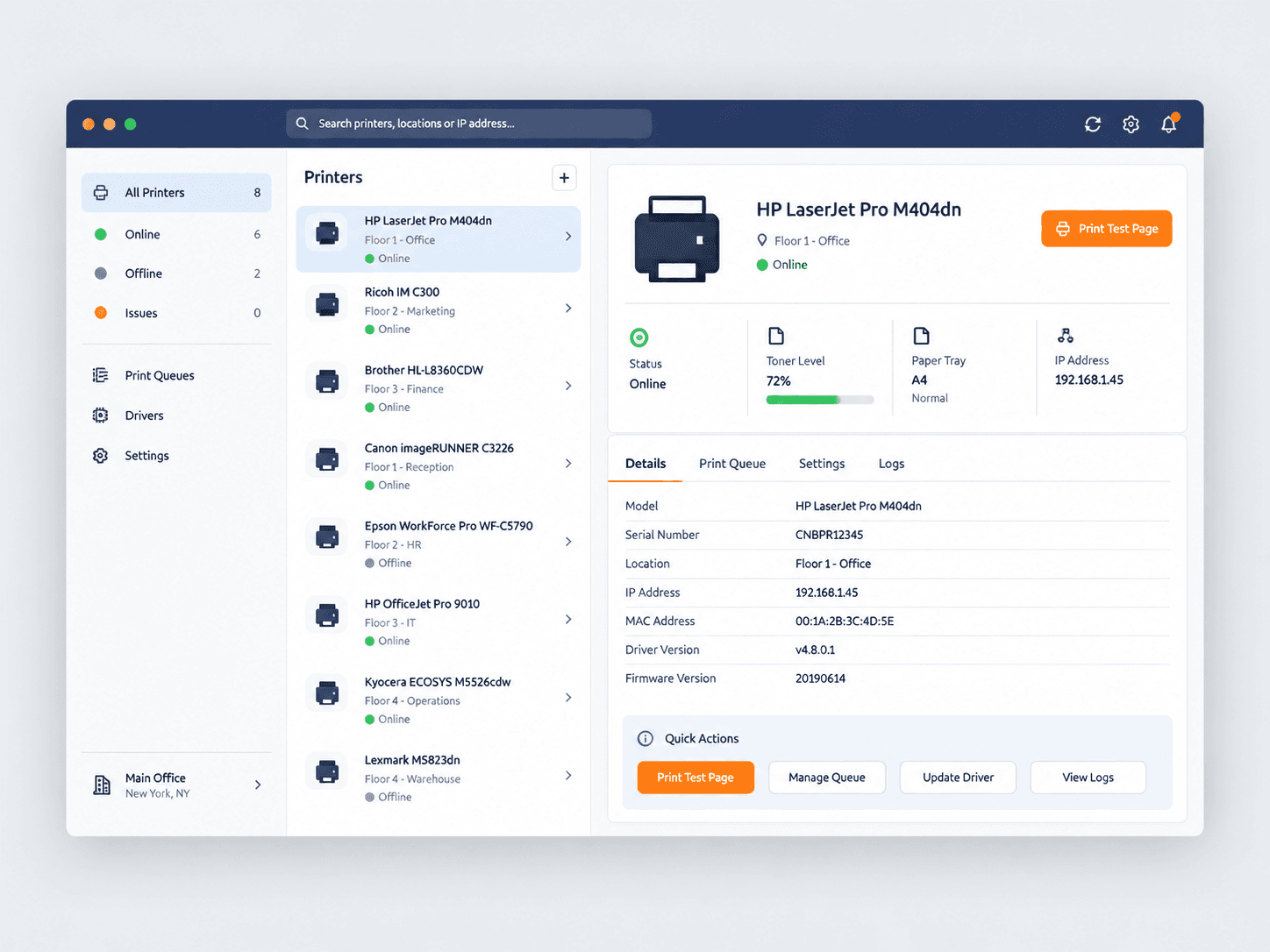
Add Wi-Fi and USB printers, set defaults, manage queues, and print a test page from one clean dashboard.
Platforms
WindowsmacOS
Compatibility
Windows 10 and 11, macOS 12 and later. Works with inkjet and laser printers from major manufacturers.
Key features
Guided printer setup
Add Wi-Fi, USB, and network printers with a step-by-step flow.
Default and queue control
Set the default printer and clear stuck jobs in a click.
Test page and status
Confirm a printer works and see live status at a glance.
Multi-printer dashboard
Manage every printer on the machine from one window.
Install, activation, and how-to help for Busy Bee Printer Master are always free. Business rollout is a separate professional service.
Roll out Busy Bee Printer Master to your team
We install, license, and configure it across your staff, then hand over with free ongoing support.